Photoshop • professional portrait finishing
Refine the portrait.
Keep the person.
Build a considered Photoshop workflow for polished studio portraits. Learn blemish removal, frequency separation, dodge and burn, colour grading and sharpening—with attention to natural skin texture.
Professional Portrait Retouching · Online course on Skillzz Up
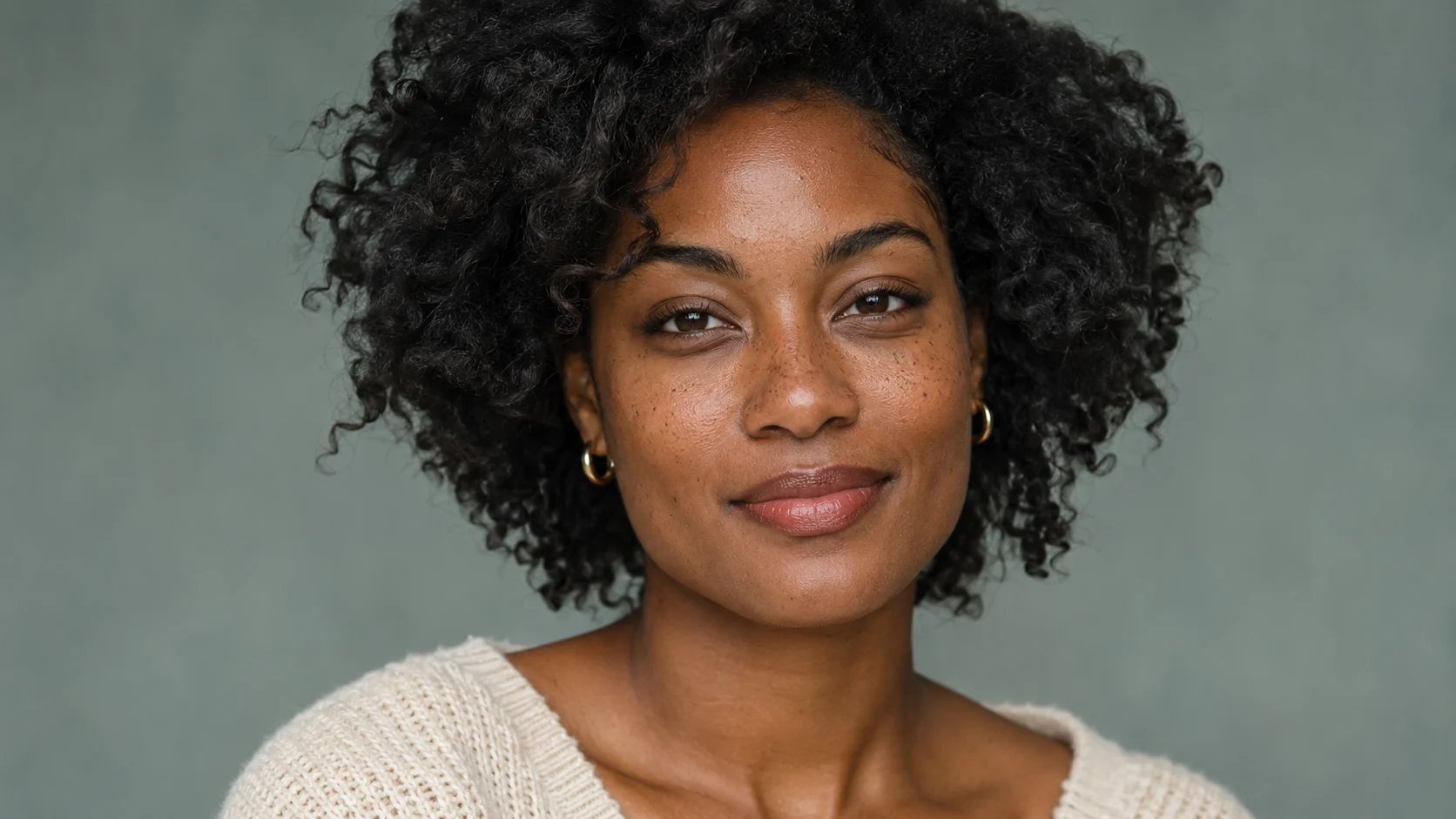
A thoughtful finish starts with the details.
AI-generated illustrative portrait. Course techniques use studio portrait samples.
8 lessons
from tools to a complete workflow
Intermediate
build on your Photoshop basics
Studio portraits
a focused, practical approach
What you will learn
Bring more confidence
to your final edit.
A strong portrait deserves careful finishing. Learn how to approach the details, balance the image and build a process you can return to across a shoot.
01 / BUILD YOUR SKILLS
Clean up with care
Address blemishes and distracting details while paying attention to the texture that makes skin feel natural.
02 / BUILD YOUR SKILLS
Shape light and colour
Develop your approach to dodge and burn and colour grading so your finishing decisions work together.
03 / BUILD YOUR SKILLS
Build a repeatable process
Connect individual techniques in a complete retouching workflow you can apply to your own portrait work.
A practical path forward
From individual tools
to a complete finishing process.
Work through the techniques in a clear sequence, then see them brought together in a complete retouching workflow. The course focuses on real studio portrait samples and practical Photoshop editing.
01 / THE PROCESS
Prepare & clean
Retouching tools → blemish removal
02 / THE PROCESS
Refine & balance
Frequency separation → dodge & burn
03 / THE PROCESS
Finish with purpose
Colour grading → sharpening → workflow
Inside the course
A clear route
from learning to doing.
Eight focused lessons take you from the course introduction to a complete retouching workflow. Expand a lesson below to see its focus.
Find your fit
For photographers and editors
ready to refine their craft.
If you already know your way around Photoshop and want a clearer approach to portrait finishing, this course gives you a focused place to practise.
Before you begin
Bring your tools.
Make room to practise.
You will need Adobe Photoshop and basic familiarity with its interface. The course focuses on portrait-retouching technique. Adobe software access is separate from your course purchase.
Choose a project you care about and apply the techniques as you learn.
Your next creative skill
Make your next portrait edit
more deliberate.
Build your understanding of the techniques behind polished studio portraits and bring them together in a practical workflow.
Professional Portrait Retouching
One-time course purchase · Ghana cedis (GHS)
Add the course to your cart, then complete your purchase at checkout.
Already added? Continue to checkout →The current course price is shown above. Review your final order total at checkout. Third-party software costs are separate.
Before you enrol
Your questions, answered.
Skillzz Up · Learn a skill. Create something new.
Take the next step ↗