Clean up with care
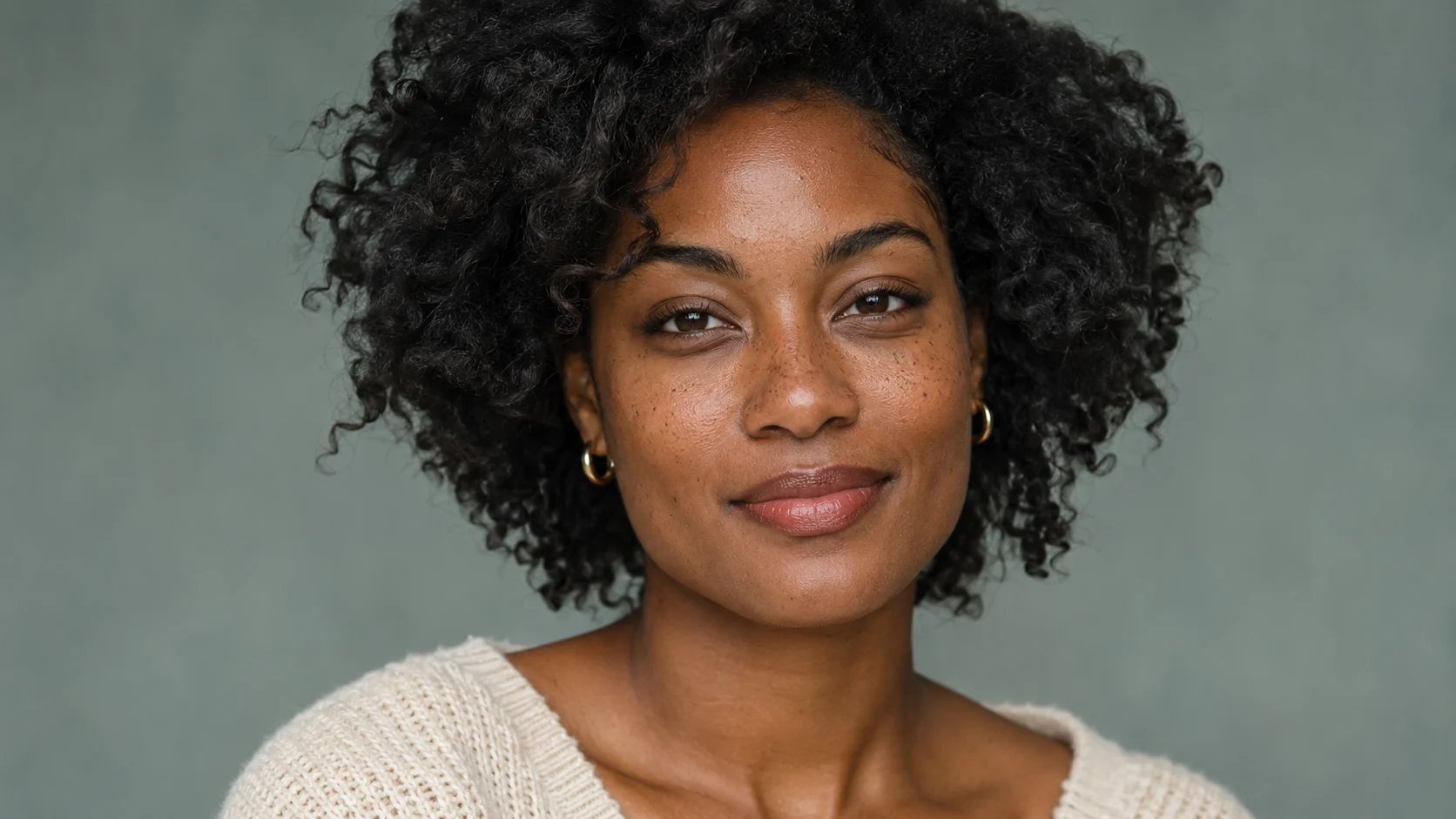
Address blemishes and distracting details while paying attention to the texture that makes skin feel natural.
Photoshop • professional portrait finishing
Build a considered Photoshop workflow for polished studio portraits. Learn blemish removal, frequency separation, dodge and burn, colour grading and sharpening—with attention to natural skin texture.
Professional Portrait Retouching · Online course on Skillzz Up
What you will learn
A strong portrait deserves careful finishing. Learn how to approach the details, balance the image and build a process you can return to across a shoot.
Address blemishes and distracting details while paying attention to the texture that makes skin feel natural.
Develop your approach to dodge and burn and colour grading so your finishing decisions work together.
Connect individual techniques in a complete retouching workflow you can apply to your own portrait work.
A practical path forward
Work through the techniques in a clear sequence, then see them brought together in a complete retouching workflow. The course focuses on real studio portrait samples and practical Photoshop editing.
Retouching tools → blemish removal
Frequency separation → dodge & burn
Colour grading → sharpening → workflow
Inside the course
Eight focused lessons take you from the course introduction to a complete retouching workflow. Expand a lesson below to see its focus.
Find your fit
If you already know your way around Photoshop and want a clearer approach to portrait finishing, this course gives you a focused place to practise.
Before you begin
You will need Adobe Photoshop and basic familiarity with its interface. The course focuses on portrait-retouching technique. Adobe software access is separate from your course purchase.
Choose a project you care about and apply the techniques as you learn.
Your next creative skill
Build your understanding of the techniques behind polished studio portraits and bring them together in a practical workflow.
One-time course purchase · Ghana cedis (GHS)
₵70.00Add to cart
Add the course to your cart, then complete your purchase at checkout.
Already added? Continue to checkout →The current course price is shown above. Review your final order total at checkout. Third-party software costs are separate.
Before you enrol
The course is listed as intermediate. Basic familiarity with Photoshop is required so you can focus on portrait-retouching techniques.
Yes. The course description focuses on addressing blemishes and refining portraits while preserving natural skin texture. Frequency separation and dodge and burn are included in the curriculum.
You need Adobe Photoshop. Software access is separate from the course purchase.
Yes. The eighth lesson brings the techniques together in a complete retouching workflow.
Add the course to your cart, then continue to checkout. Use your learning account or create an account during checkout. Access follows your order and payment status.
